
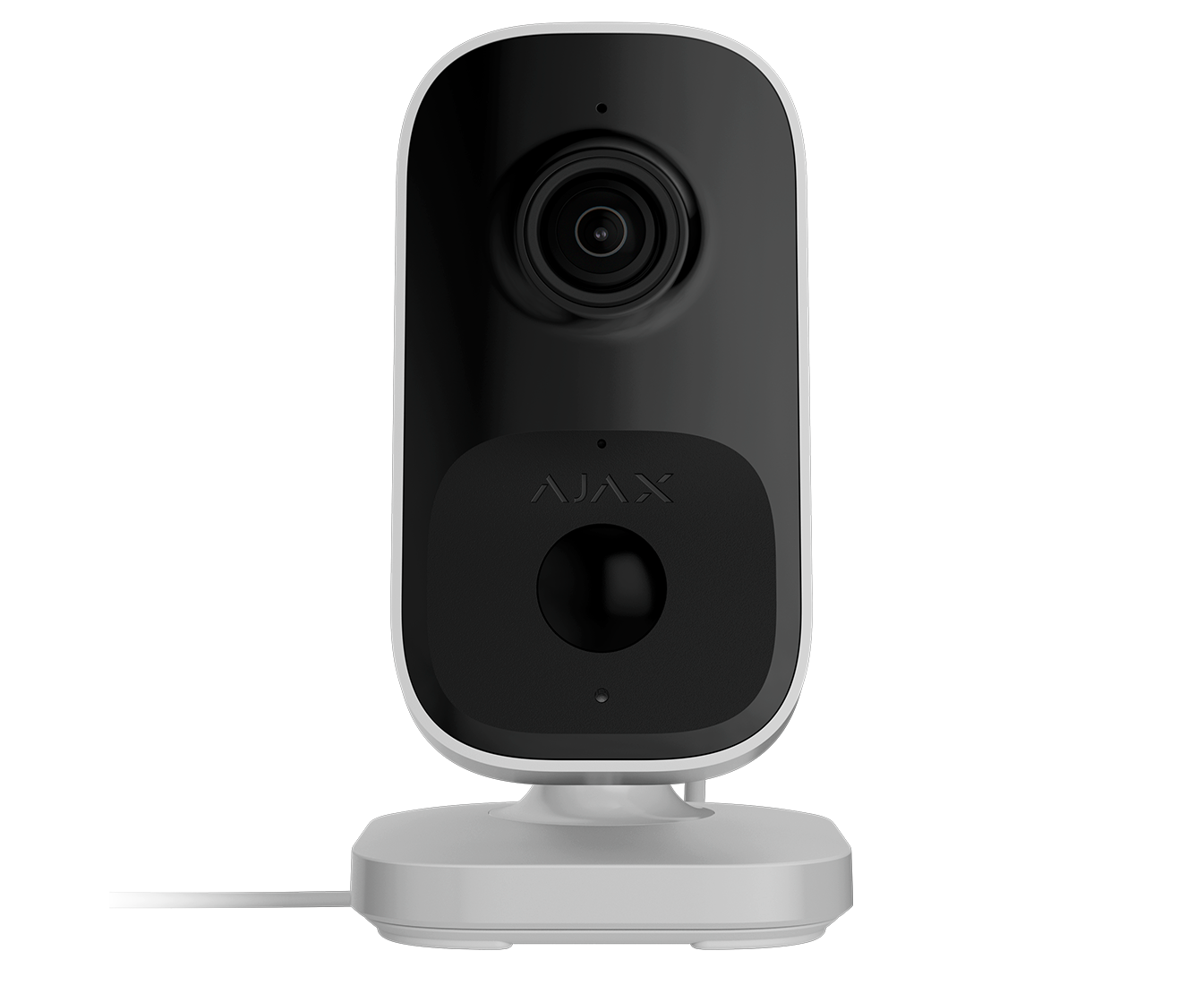
Ajax IndoorCam
- CCTV Lens Guide
- Hard Drive Size Guide
Unless selecting a vari-focal camera (with an adjustable lens) It is important to select the correct camera lens option for where the camera is to be positioned. A smaller lens will give you a wider angle but will be "zoomed out more", while a bigger lens will narrow the angle down and "zoom in more". See below to give you some idea on angles of Megapixel HD Cameras:
| Lens in mm | Approx Viewing Angle (degrees) | Ideal Distance (metres) | Typical usage/notes |
|---|---|---|---|
| 2.8 | 106 | <6 | For seeing as much of the immediate area as possible such as above a doorway/low down/garage soffits (edges can appear slightly warped/distorted) - clearly "zoomed out" |
| 3.6/4 | 83-90 | <12 | A great general purpose option giving great coverage still in the corner of a room or higher up on second floor soffits with less distortion - more of a natural "zoom" |
| 6 | 56 | 6-20 | Narrows down the angle and zooms in to look past the immediate area a little to gain more detail - down a driveway for example from higher up |
| 12 | 24 | 20+ | Zooms in significantly more to look at a gate, entrance or adjascent building |
| 16 | 19 | 24+ | As above but more so |
The amount of hard drive space you require is dictated by how many cameras, as well as their resolution and frame rate settings. Finally you can often make your storage space last a lot longer by enabling motion detected recording rather than continuous, especially if there are long periods of no activity.
|
Resolution (Megapixels) |
Days of storage provided by 1TB per camera (continuous - full 25 frames per second) |
Days of storage provided by 1TB per 4 cameras (continuous - full 25 frames per second) |
Days of storage provided by 1TB per 4 cameras (50% motion- 15 frames per second) |
|---|---|---|---|
| 1 | 44 | 11 | 36 |
| 2 | 22 | 5 | 18 |
| 3 | 17 | 4 | 14 |
| 4 | 11 | 3 | 9 |
| 5 | 9 | 2 | 8 |
| 6 | 8 | 2 | 6 |
| 8 (4K) | 5 | 1 | 4 |
| 12 | 4 | 0.5 | 3 |
As a rule of thumb we recommend a minimum of 2 Terabytes per 4 x 2-4MP HD cameras, as this should give you 2 weeks to a month with a few adjustments on motion detected recording. You may only require the full 25 frames per second on certain cameras if things are fast moving.
(All of our hard drives come fitted and are CCTV specific from one of the major brands)
Professional security and AI. Domesticated.
IndoorCam combines the convenience of Wi-Fi cameras with high-end security features. Its fallback communication channel with an Ajax hub ensures that the facility never drops out of sight, even if Wi-Fi is lost. Equipped with a PIR sensor and built-in AI, the device accurately detects movement and recognizes people, animals, and vehicles. Users can always get a clear view of indoor activity in outstanding quality thanks to the IndoorCam’s wide-angle HDR camera.
Live view, instant talk
Stay connected to your property and control it from anywhere, day or night. With HD video streaming and two-way audio, you can see, hear, and respond to any situation immediately using your smartphone. From deterring unwanted visitors to checking in on your space, IndoorCam combines professional-grade surveillance with user-friendly functionality.
Camera empowered by AI
IndoorCam features AI-powered object recognition that transforms standard video surveillance into an intelligent monitoring tool. The AI identifies only critical events, such as a vehicle moving into a parking area, a person entering a restricted zone, customers approaching checkout counters, etc. AI processing takes place directly in the camera, eliminating the need for additional equipment or subscriptions. Both users and security personnel can easily monitor spaces via a smartphone, receiving instant notifications when movement is detected — no specialized security training required.
Precise video recording: pixel by pixel
Optimize your video archive with intelligent motion detection. Configure movement tracking within specific zones at the pixel level, ensuring – only relevant activity is recorded when movement occurs in the selected area. The strict event filtering helps save storage space and streamlines archive navigation.
Protect sensitive areas with privacy zones
Enhance privacy by configuring privacy zones to selectively hide specific parts of the frame. For example, a safe within the camera's view can be excluded from recording, while surrounding activity remains visible. This feature ensures that sensitive and confidential information remains strictly private, which is especially suitable for high-security environments.
Smooth archive navigation
Effortlessly browse the video archive with instant event-based access. Simply click on an event in the notification log, and the system will direct you to the exact camera recording at the event’s timestamp. Everything is just one click away with our advanced features.
